
Turn any website into a demo video
The most literal tool on the internet: paste a URL, get back a narrated, professionally paced video of that website.
Your first video $1.90 · no subscription · no editing skills needed
Overview
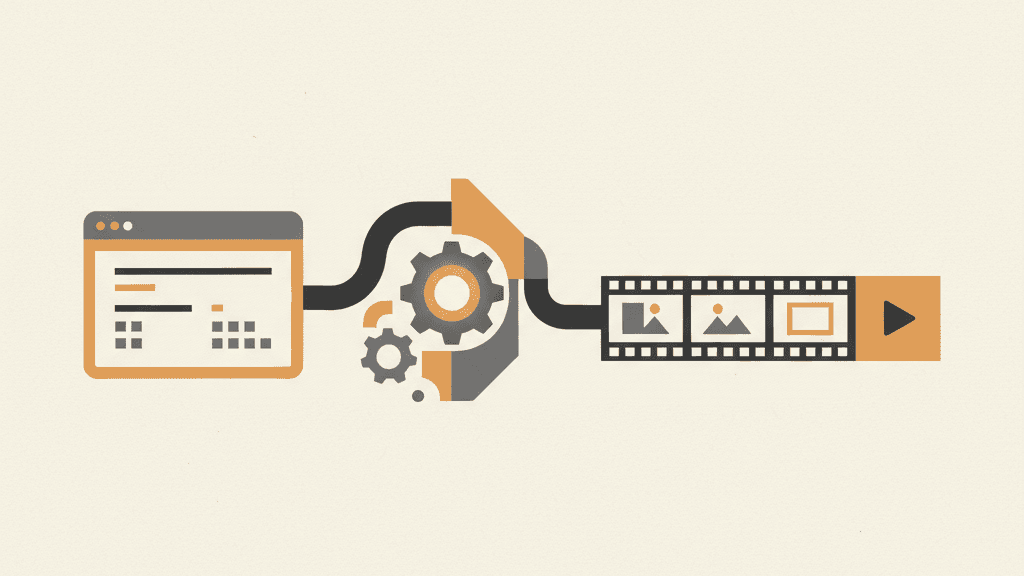
This page describes exactly what the product does, because the query describes exactly what you want: a generator that takes a website and produces a demo video of it. Here is the pipeline, without mystery. First, capture: the AI loads your URL in a real browser and captures the rendered pages at full fidelity — no screen recording, no cursor, no compression. Second, story: it reads the content and plans a scene sequence — what to show first, what each scene should say, how long to hold.
Third, narration: it writes a voiceover script per scene and generates professional text-to-speech in your chosen language, timed to the visuals. Fourth, render: everything is composited into a 1080p MP4 with optional captions, sound effects, and scene transitions. The whole run takes minutes. You can regenerate any time the site changes, revise the script conversationally, and download the parts (clean video, voiceover, subtitles) separately.
Why it matters
The problem with the old way
You need the video today, not in three weeks
Launch is tomorrow, the landing page is done, and there's no video for the announcement post. Paste the URL and the video exists before your coffee cools.
Every 'video maker' wants you to edit video
Template editors still hand you a timeline and 40 decisions. A generator makes the decisions and shows you the result — you steer with words, not keyframes.
One site, many videos
Different intent prompts produce different videos from the same URL: a 30-second teaser, a feature deep-dive, a localized version. The site is the source; videos are cheap builds on top of it.
How it works
From your URL to finished video — three steps
- 1
Paste any public URL
No snippet, no upload, no extension. The generator loads the site in a real browser and captures the rendered pages exactly as a visitor sees them.
- 2
Steer with one sentence
The optional intent field decides focus, tone, length, and language. Leave it empty for a faithful site walkthrough, or direct it like a producer.
- 3
Get the video and its parts
A narrated, captioned 1080p MP4 in minutes — plus the clean video track, isolated voiceover, sound effects, and SRT/VTT subtitles if you want to remix.
Frequently asked questions
Which websites work best?+
Sites with clear structure and real content — landing pages, product sites, docs. The AI builds the story from what's on the page, so a well-organized site produces a well-organized video.
Do I need to install anything or add code to my site?+
No. There's no snippet, no extension, no upload. The generator only needs the public URL.
Can I control what the video focuses on?+
Yes — the optional intent field steers the whole generation. 'Make a 60-second promo focused on pricing transparency' and 'walk through the dashboard features for developers' produce very different videos from the same URL.
What output formats do I get?+
A 1080p MP4, plus the individual parts on request: the clean video track, the isolated voiceover, the sound-effects track, and SRT/VTT subtitles for further editing in your own tools.
A website demo video generator earns its name by being literal: URL in, narrated video out, minutes end to end. Because the site is the source of truth, every video stays honest to what visitors will actually find — and when the site changes, the video is one regeneration away from matching it. One URL, as many videos as you have angles.