
Guide
How to turn your website into a video
Your website is already a story: a headline that hooks, sections that argue, screenshots that prove, a call to action that closes. Turning it into a video isn't about pointing a camera at a browser — it's about extracting that story and retelling it in a medium with a voice and a clock. That's what website-to-video generation does, and understanding the pipeline makes you much better at steering it. This guide walks through the process using AIDemoVideo as the reference implementation: what the AI reads from your pages, how it decides what deserves screen time, how the intent prompt changes everything downstream, and how to iterate from first draft to keeper. Total hands-on time for a good result: about ten minutes, most of it judging drafts.
- 1
Get the page ready to be read
The AI builds the video from what your pages actually say, so the pre-flight check is editorial, not technical: is the headline your real pitch? Are the strongest features visible on the page (not buried in docs)? Is pricing where a reader would find it? A page that persuades humans persuades the generator.
Generating a video is a surprisingly effective website audit — if the video's story feels thin, your page's story is thin.
- 2
Paste the URL and write an intent, not a wish
The intent prompt steers scene selection, tone, and emphasis. Useful intents name audience, angle, and length: 'a 60-second promo for engineering managers, focused on the automation features, confident tone'. Vague intents ('make it good') hand every decision back to defaults.
- 3
Let the pipeline run
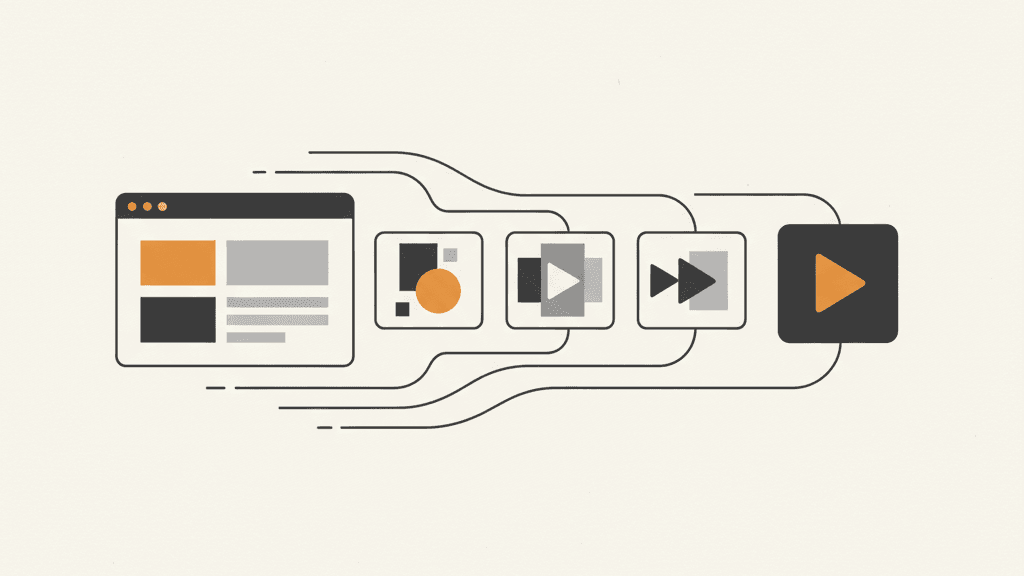
Four stages happen in one pass: capture (your pages rendered in a real browser at full fidelity), planning (scenes sequenced into a narrative), narration (a script per scene, spoken by a professional AI voice in your chosen language), and render (1080p MP4 with captions, transitions, and a sound-effects track). Minutes, not meetings.
Shortcut: generate it from your URL
- 4
Review like an editor, not a spectator
Watch the draft asking three questions: Does the first scene earn the next ten seconds? Does every scene's narration match what's on screen? Is anything on screen that a viewer wouldn't care about? Note answers as plain-language edits — that's your revision brief.
- 5
Revise conversationally, then lock it
Feed the edits back ('tighten the intro, show the dashboard before pricing, warmer voice') and regenerate the affected scenes — small revisions cost a few credits, so iterate freely. When it's right, download the MP4, and grab the parts (clean video, voiceover, SRT/VTT) if you'll do platform-specific cuts.
- 6
Reuse the source, multiply the outputs
The same URL supports many videos: a 15-second teaser, the full walkthrough, a localized version per market. And when the site changes, regenerate — the video is a build artifact of the page, which is the entire point.
What not to do
- Don't generate against a half-finished page and blame the video — the page is the source of truth.
- Don't stack every feature into one video; generate multiple short ones with different intents instead.
- Don't skip the intent prompt — it's the highest-leverage sentence in the whole process.
- Don't manually re-edit exported video for content changes; change the script or the site, and regenerate.