01 · Explore
AI reads the product
It opens your site in a real browser, understands the positioning, and finds the screens worth showing.

Paste your link. The AI captures your site, writes the script, and narrates a professional demo explainer video.
One click replaces:
What actually happens
This is more than stitching screenshots together. AI Demo Video works like a producer: deciding what matters, how to explain it, and when each visual should appear.
01 · Explore
It opens your site in a real browser, understands the positioning, and finds the screens worth showing.
02 · Direct
The strongest moments become a concise script, scene plan, and narration—shaped around your prompt.
03 · Produce
Clean captures, motion, voiceover, captions, and sound are assembled into one polished 1080p video.
The finished work
Pick a format to see how the same engine can shape a launch, walkthrough, onboarding clip, or explainer around the source site.
A concise walkthrough of permanent pixel-level watermarks for images, video, GIFs, and PDFs.
Built for product stories
The product is the source of truth. AI turns it into a clean, repeatable production—without asking you to become a video editor first.
Create a videoNo cursor mistakes, awkward pauses, or notification popups. Every product capture is deliberate.
Narration is planned with the scenes, so every sentence matches what the viewer sees.
Changed the UI or positioning? Regenerate instead of reopening a recording and editing timeline.
Timed captions make the finished video ready for muted feeds, landing pages, and help centers.
Create localized narration and captions without rebuilding the whole production from scratch.
Download the final MP4 or take the clean video, voiceover, sound effects, and subtitles separately.
One generator, three jobs
Give the same website a different intent and AI reshapes the story for launches, sales, education, or onboarding.
01
Turn the final landing page into a sharp launch video while the release is still fresh.
02
Give prospects a narrated walkthrough that shows the product instead of adding another wall of copy.
03
Create onboarding and help-center clips you can regenerate whenever the interface moves.
A calmer way to make product video
Your video, your files
Download the publish-ready MP4, or keep every ingredient for a custom edit later. You are never locked into the final render.
launch-video-assets.zip
4 files · 186 MB
Explore every workflow
Paste your URL. The AI writes the story, captures your product, narrates it, and hands you a finished explainer — in minutes, not weeks.
Learn more
Your product, walked through feature by feature with a synced AI voiceover — generated from your URL, regenerated whenever you ship.
Learn more
Software, app, or physical product with a landing page — if it has a URL, the AI can turn it into a narrated demo video.
Learn more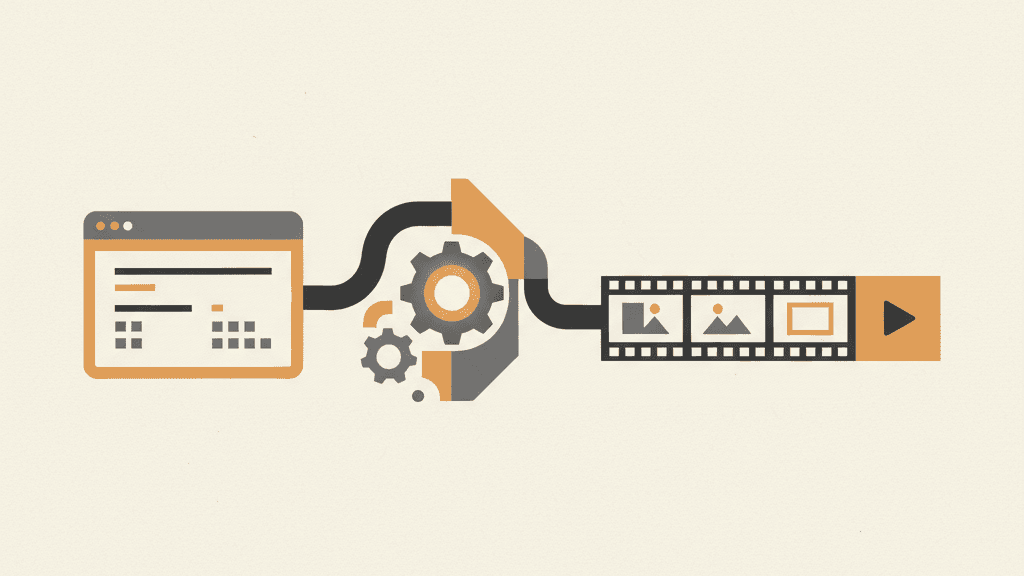
The most literal tool on the internet: paste a URL, get back a narrated, professionally paced video of that website.
Learn more
Not a template library — a generator. It writes the pitch from your website and illustrates it with your actual product.
Learn more
For web apps and app landing pages: a narrated demo generated from your URL — ready for launch posts, listings, and your site's hero section.
Learn more
Product Hunt gallery, the announcement post, the landing page hero — one generated video, ready the moment your site is.
Learn more
Help-center clips, getting-started walkthroughs, feature intros — generated from your product's pages, regenerated every time the UI ships.
Learn moreSimple ways to start
Start with a one-time pass, then subscribe only when video becomes part of your regular release cycle.
20 credits · one complete introductory video
See details50 credits · one complete introductory video
See details300 credits · about 2–6 full videos
See details1000 credits · about 8–20 full videos
See detailsYou paste your website URL and optionally describe what you want the video to focus on. Our AI visits your site, captures its actual design, writes a script, generates a professional voiceover, and assembles everything into a finished demo video — typically in a few minutes.
Most videos are ready in a few minutes. Generation time depends on the length of the video and how many pages of your site are captured.
We load your site in a real browser and capture its actual rendered design — not a screen recording. That means crisp visuals at full resolution, no cursor fumbling, and no retakes. When your UI changes, you regenerate instead of re-recording.
Yes. Choose Landscape (16:9) for websites and YouTube, Vertical (9:16) for Reels, TikTok and Shorts, or Square (1:1) for social feeds. Each film is composed for its format — a vertical film is laid out for a phone, with text and product kept clear of where the apps put their buttons.
Yes. You can revise the script, regenerate individual scenes, or chat with the AI editor to describe changes in plain language. Audio is re-synced automatically after edits — no manual audio alignment.
Narration and captions support multiple languages — you pick the language and the script, voiceover, and subtitles are generated in it. This makes it practical to keep localized versions of the same demo in sync: regenerate each language instead of re-recording.
No. That is the core reason this exists: click regenerate and the video is rebuilt from your site's current state. Teams use this to keep landing-page videos, help-center clips, and onboarding videos permanently up to date.
The finished MP4, plus the individual parts if you want them: the clean video track without narration, the isolated voiceover master, the sound-effects track, and timed subtitles (SRT/VTT). You can take the parts into your own editor for further tweaks.
Your first complete video costs $1.90, with no subscription. After that, one-time credit packs start at $7, and monthly plans start at $14/month for 300 credits — about 6 typical videos a month — with Pro at $29 and Studio at $59. Unused credits from a generation are returned automatically.
You can choose either. Monthly plans include recurring credits and subscriber-only top-ups, while the existing one-time packs remain available with no recurring charge.
Screen recorders capture you using your product — with every hesitation, retake, and stale UI baked in. AIDemoVideo generates the video from your website itself: scripted narration, clean visuals, and one-click regeneration when your product changes. Recording is a performance; this is a build step.
Sponsor free demo videos. Your name appears in every video you fund, on its result page and in the delivery email — and travels wherever the video is shared. From $100.
Paste the link. Tell us the point. Let AI turn it into something people will actually watch.
Create my demo video